 Ribbonfly Marquee
Add it
- In the block editor press + and search for ribbonfly.
- Choose Ribbonfly News Ticker.
- In the sidebar, set how many posts to show and, if you want only one section of the site, which category.
In the editor you see a preview drawn by the server, so the titles you see are your real ones.
Which posts appear
Published posts only, newest first. Drafts, private posts and password-protected posts never appear. Sticky posts get no special place, because a news ticker is a timeline. A post with an empty title is skipped. If there are no posts to show, the block draws nothing at all instead of an empty strip.
Direction
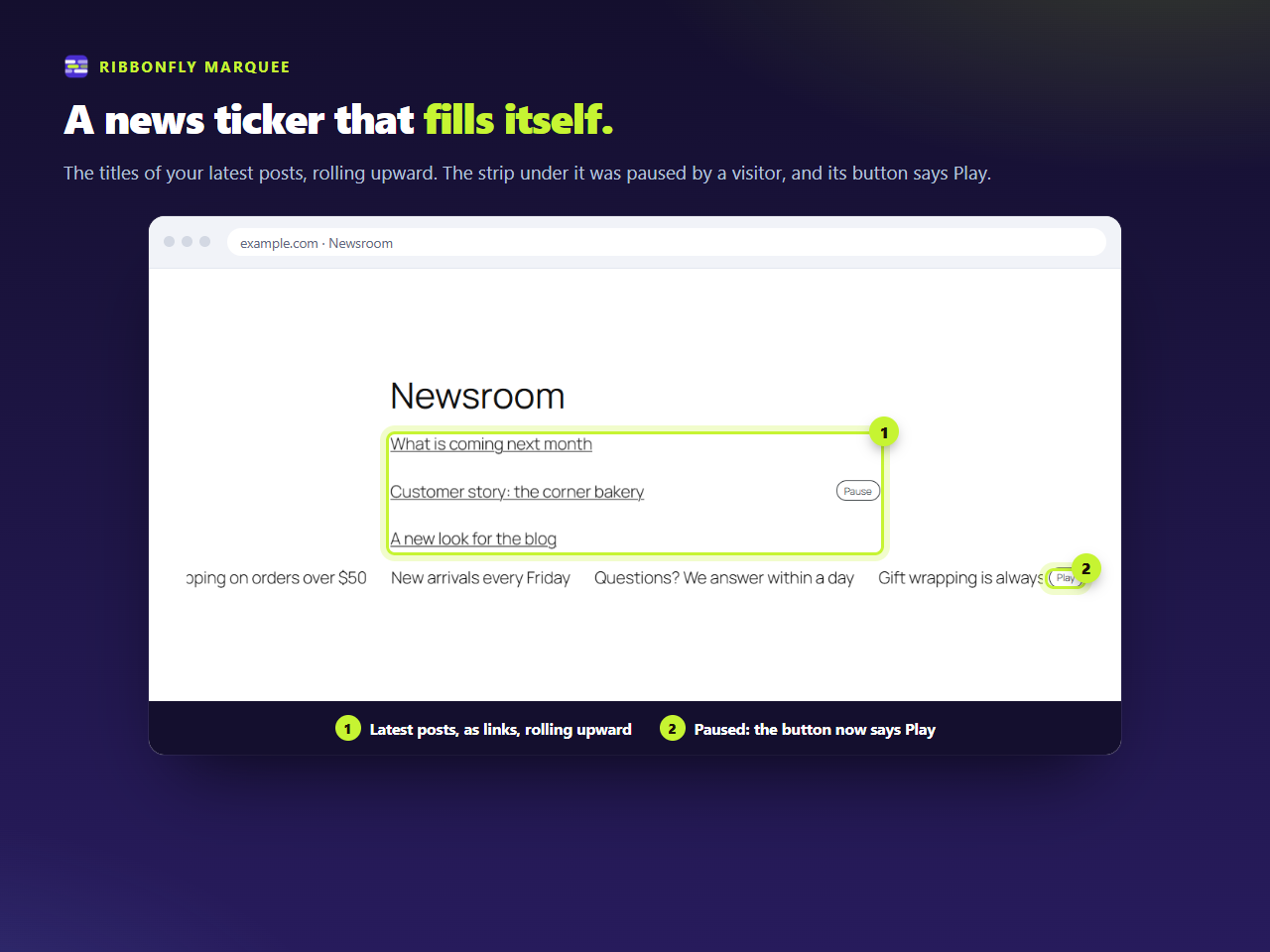
A news ticker is traditionally horizontal, but the same block rolls up or down if you pick a vertical direction and a height. A vertical ticker in a sidebar or in a hero column shows several titles at once and reads a little like a list that moves.
Speed and reading
Titles are what people click, so give them time. Slow the strip down and keep the gap between titles wide, so that one title is clearly over before the next begins. The speed is in pixels per second, between 10 and 400.
What it does not do
It shows titles only: no images, dates or excerpts, and only from the Posts content type. A ticker of cards with pictures, or one that draws from pages or custom content types, is part of Ribbonfly Marquee Pro.
If the page is served from a cache, a new post appears when the cache is refreshed, as with any dynamic block.