 Ribbonfly Marquee
A real Pause button
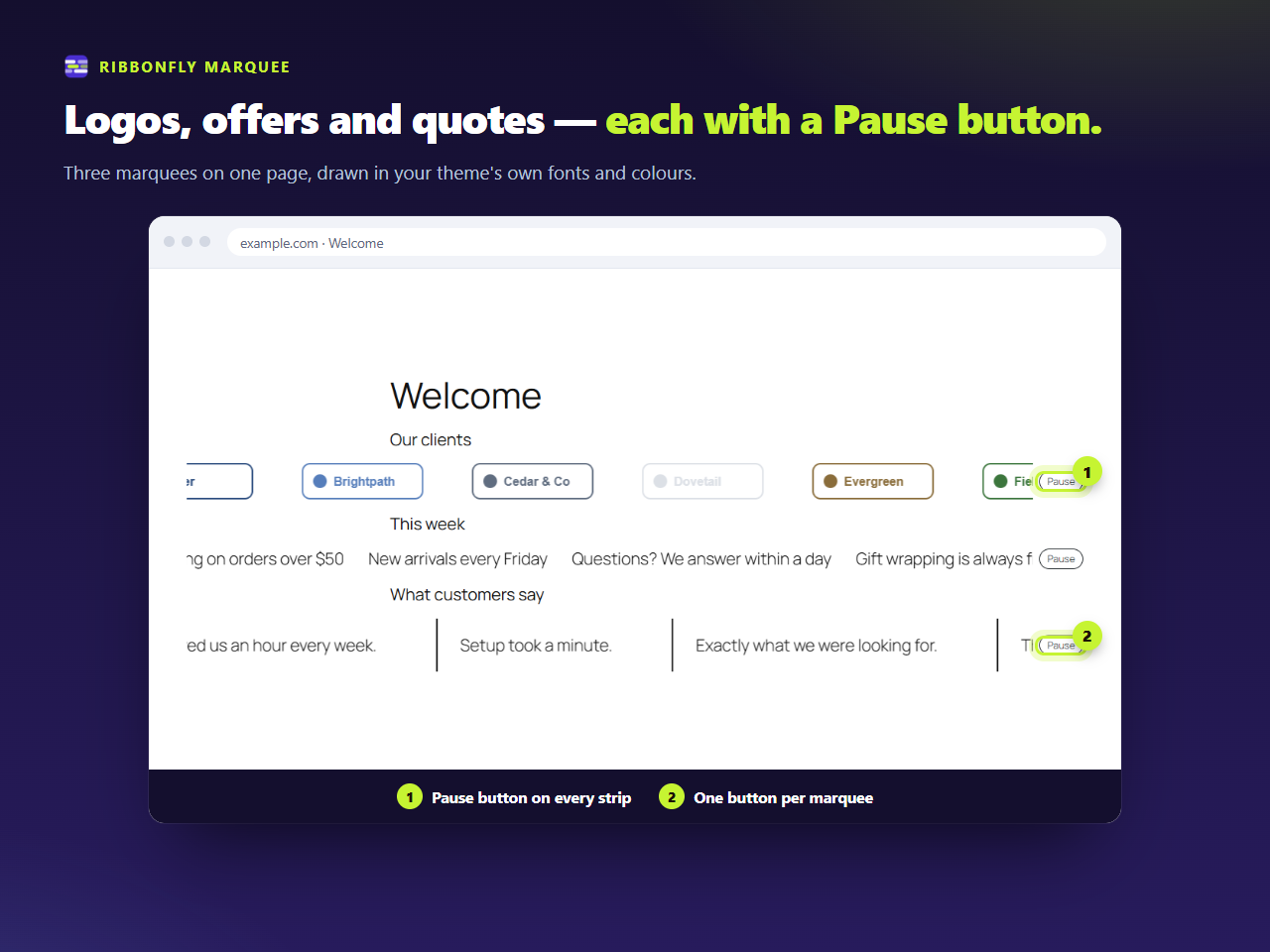
A button beside every strip, never on top of the text. It also stops while hovered or tabbed into.
Free WordPress plugin · Pro adds post and product strips
Ribbonfly Marquee makes text, logos, quotes and your latest posts roll in a seamless loop, as a block and as an Elementor widget. Speed is set in pixels per second, the loop never shows a gap, and every strip has a Pause button.
Not in the WordPress.org directory yet. Every plugin there is reviewed by a person before it is listed, and a name cannot be reserved in advance, so searching your admin for it will not find it today. What happens next →
Illustration · sample content
How it works
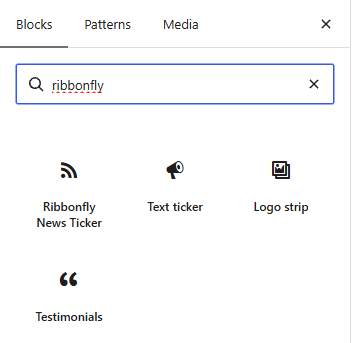
In the block editor, pick Text ticker, Logo strip, Testimonials or News ticker. In Elementor, open the Ribbonfly Marquee category.
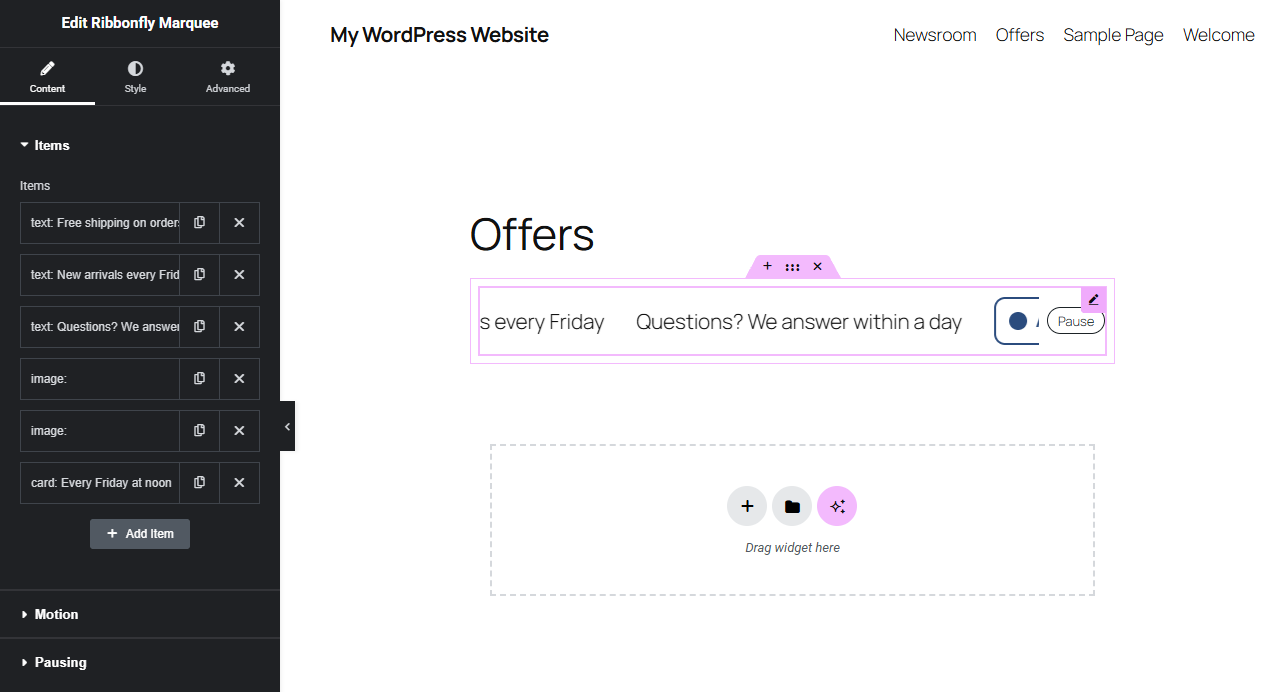
Text, images, quotes and buttons are ordinary blocks. In Elementor each item is Text, Image or Card.
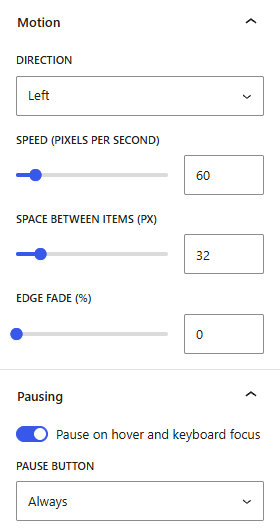
10 to 400 pixels per second. The strip is measured and repeated until it fills, so the loop has no empty stretch.
Free, and complete
Most marquee plugins forget the visitor who cannot follow moving text. This one starts from them.
A button beside every strip, never on top of the text. It also stops while hovered or tabbed into.
60 is 60 on a phone and on a wide monitor. A longer strip takes longer to go round, instead of racing.
Items repeat until the strip is full, and it is measured again when an image arrives.
A visitor who asked for less motion gets a still strip they can scroll by hand.
The block and the Elementor widgets draw through the same code, so a strip behaves the same in both.
It needs no jQuery, and its assets load only on pages with a marquee.
The real thing
Direction, speed, spacing, edge fade and pausing sit in the block’s sidebar, in plain words.
 Pixels per second
A list of Text, Image and Card items, with the same Motion and Pausing sections as the block.
 Text, image and card items
The titles of your latest posts, as links. Beneath it, a strip a visitor has paused: its button says Play.
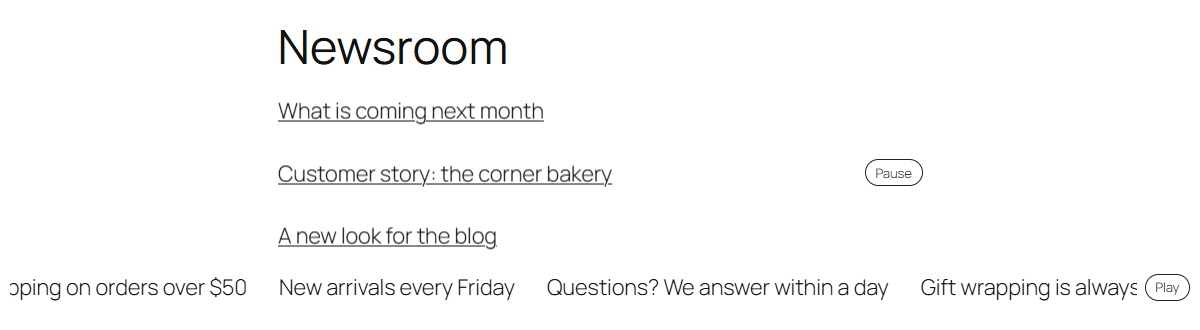 Paused: Play
Latest posts
Paused: Play
Latest posts
Ribbonfly Marquee Pro
Pro is a separate add-on with two marquees that fill themselves: post cards with image, title and date, and WooCommerce products with image, name and price.
One site per licence · plus VAT where applicable · thirty-day refund · What the licence covers
Illustration · a strip of shop products, sample names
Compare
| Free | Pro | |
|---|---|---|
| Marquee block with any blocks inside | ✓ | ✓ |
| News ticker of your latest post titles | ✓ | ✓ |
| Elementor marquee and news ticker widgets | ✓ | ✓ |
| Pause button, hover and focus pause, reduced motion | ✓ | ✓ |
| Post cards with image, date and excerpt, as block and widget | — | ✓ |
| WooCommerce products with price and optional cart link | — | ✓ |
| Updates in your WordPress admin, and support | — | ✓ |
| Free | — |
FAQ
Complete. The blocks, the Elementor widgets, the Pause button and the news ticker are all free, with no counter and no nag screen. Pro adds two strips that fill themselves, and never switches a free feature off.
Pages without a marquee do no work for it: the script and style are queued only where a strip is drawn. The script does not need jQuery, and the two files together are 17 KB before compression.
No. The blocks work on their own. The Elementor widgets appear when Elementor 3.20 or newer is active.
Every strip has a Pause button, and for a visitor whose device asks for reduced motion it starts standing still, scrollable by hand, with a Play button.
Your post and product strips keep working, nothing is removed, and the free plugin runs unchanged. What ends is updates and support. The full list is on the pricing page.
The free plugin makes no outside requests. Pro talks to our licence service for the licence and for updates. Every call is listed on the privacy page.
The plugin is not in the WordPress.org directory yet, so searching your admin for its name will not find it today. Why, and what happens next →
Plugins → Add New, search for Ribbonfly Marquee, install, activate. Add a block, and let it roll.