 Ribbonfly Marquee
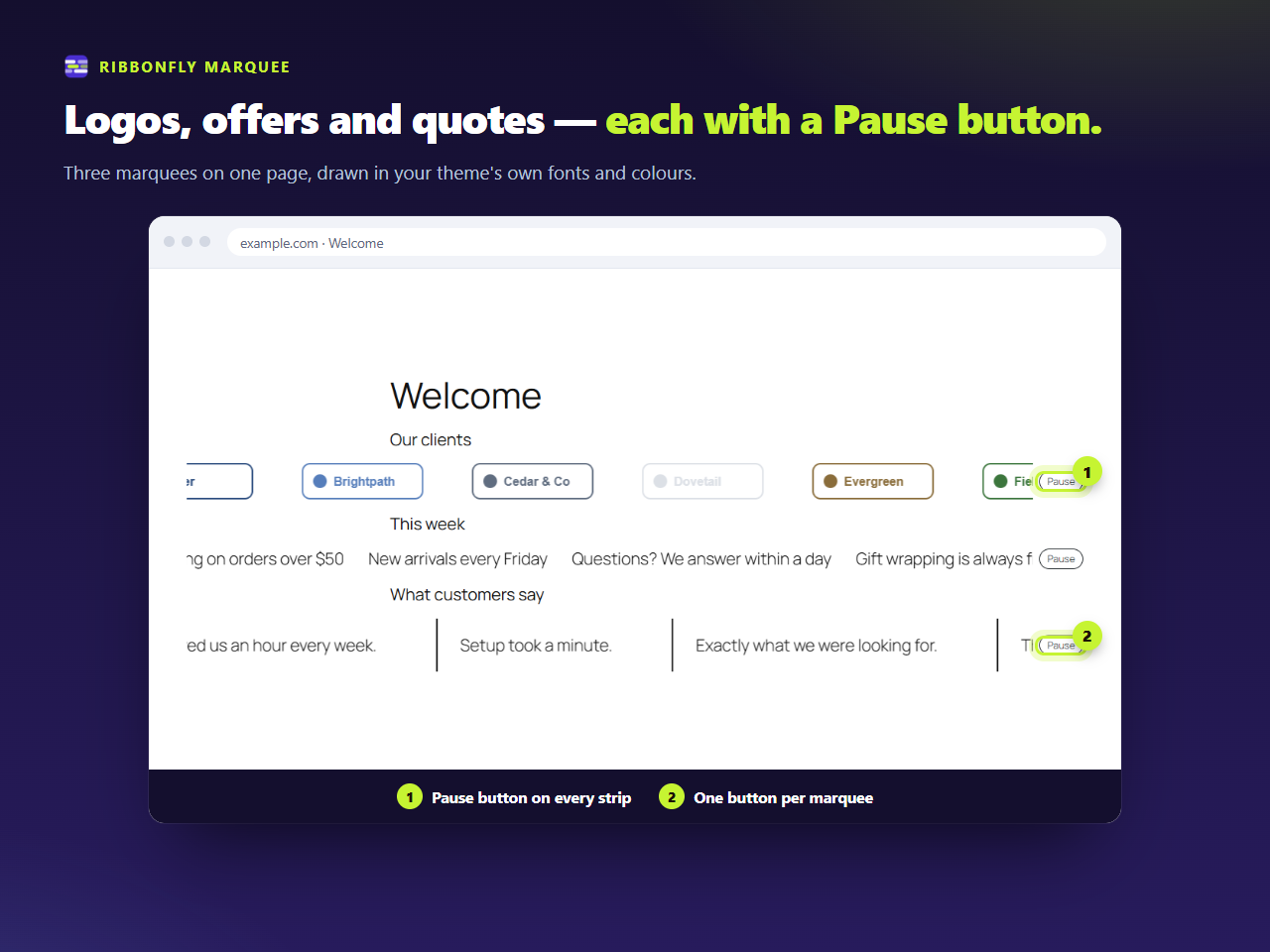
What you get when you insert it
The block is called Ribbonfly Marquee and lives in its own inserter category. It is a container, like Group or Columns: whatever you drop inside becomes the content of the strip. Because the contents are ordinary blocks, they keep everything blocks already do — fonts, colours, links, alt text, the lot.
Three starting points are offered when you search the inserter for “ribbonfly”: a Text ticker with three short lines, a Logo strip with four image blocks, and Testimonials with three quotes. Replace the placeholder content and you are done.
The settings, in the sidebar
- Direction — left, right, up or down.
- Speed — 10 to 400 pixels per second, 60 to start with.
- Space between items — 0 to 200 px.
- Edge fade — 0 to 30 per cent of the strip.
- Pause on hover and keyboard focus — on by default.
- Pause button — always shown, or shown on hover and focus.
- Label for screen readers — what the region is called to assistive technology.
Try the same controls on a strip of your own text below. It runs the plugin's own script and stylesheet.
Try a marquee
Change the settings and watch the same engine the plugin uses. Nothing you type leaves this page.
What the editor shows
In the editor the block stands still and says so under the content: “The preview is still. It rolls on your site.” You edit the items as normal blocks and see the motion on the published page.
What it deliberately does not do
It does not load anything on pages without a marquee: the stylesheet and the script are queued only where the block is drawn. The script does not depend on jQuery. And the free plugin makes no requests to any outside address.