 Ribbonfly Marquee
Why not a loop time?
Many marquees take a duration: “go round in 20 seconds”. That is fine until the content changes. Add a logo and the strip is longer, so the same 20 seconds now means a faster strip; open the page on a phone, where fewer items need less room, and it means something else again. A speed in pixels per second does not change when the content does.
The arithmetic
If one group of items is 1,200 pixels wide and the speed is 60 pixels per second, one loop takes 1,200 ÷ 60 = 20 seconds. Raise the speed to 120 and it takes 10. The plugin does this sum for you: it measures the group, divides by your speed, and sets the loop time itself.
Where to set it
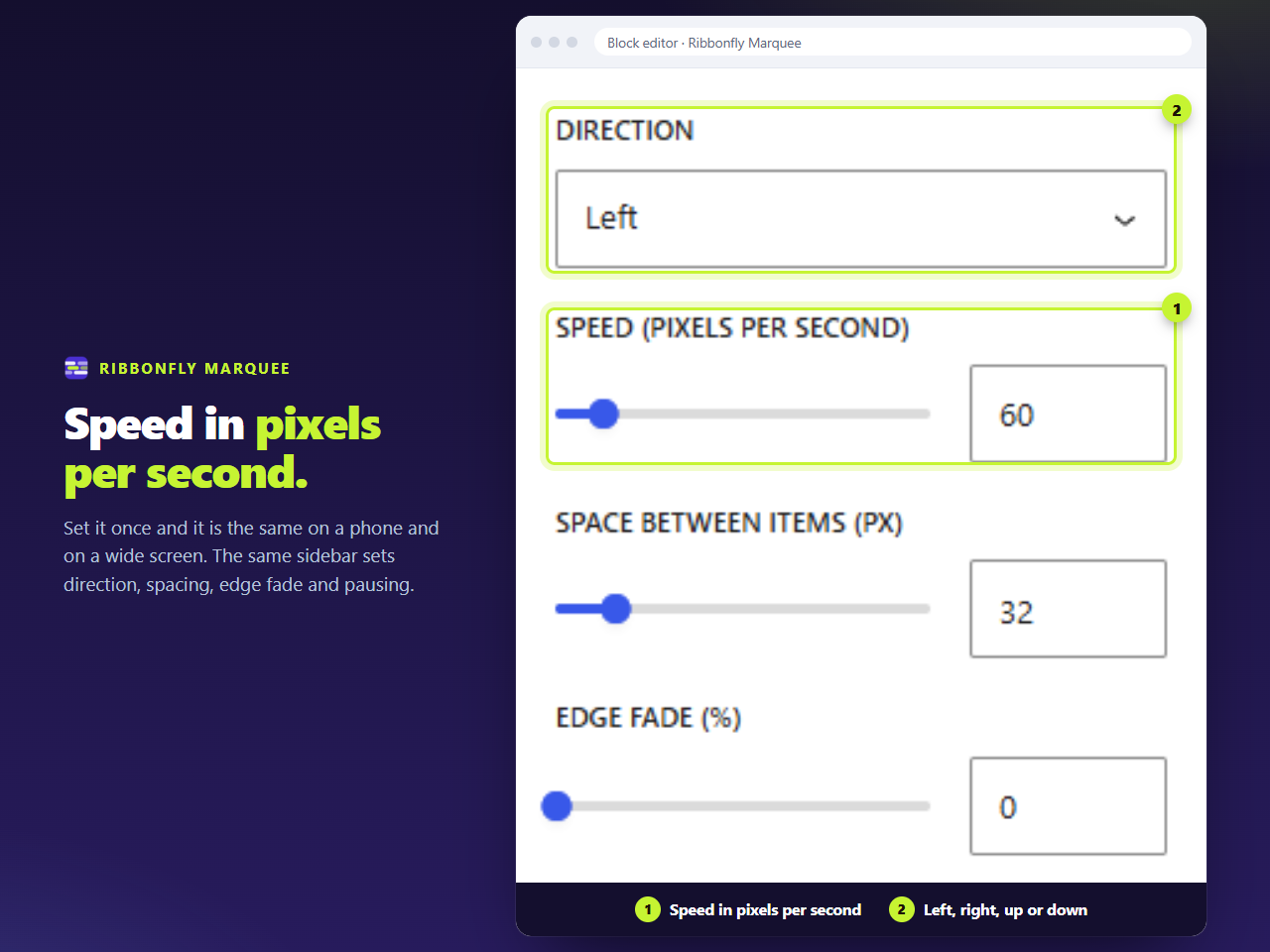
In the block sidebar, Speed (pixels per second), from 10 to 400. In Elementor, the same label in the Motion section. The default is 60, which is a calm reading pace for text; logos are happier at 30 to 50, and a news ticker of long titles benefits from going slower still.
Work it out for your own content
Enter the width of one group and the width of the strip to see the loop time and the number of copies the strip needs:
Speed, loop time and copies
Pixels per second, seconds per loop, and how many copies it takes to fill the strip. Nothing you type leaves this page.
Why this is the honest unit
A visitor does not experience a duration. They experience how far each word travels in a second. Choosing that number directly lets you choose how readable the strip is, and keeps it that way when you edit the content.
How the loop stays seamless while the content is measured is explained in the guide to loops without gaps.