 Ribbonfly Marquee
What the criterion says
It is a Level A requirement, the lowest and most widely applied level. Its test has three conditions, and all three must be true for it to apply: the movement starts automatically, it lasts more than five seconds, and it is shown in parallel with other content. There is an exception for movement that is essential to an activity. A scrolling strip of announcements or logos is not essential in that sense.
Why a button, and why visible
The criterion asks for a mechanism to pause, stop or hide. A control that exists only on hover cannot be used by someone who does not use a pointer, and one that is hidden from the keyboard cannot be used at all by someone who does not. A real <button>, reachable with Tab, announced by its name and state, works for everyone.
What Ribbonfly Marquee does
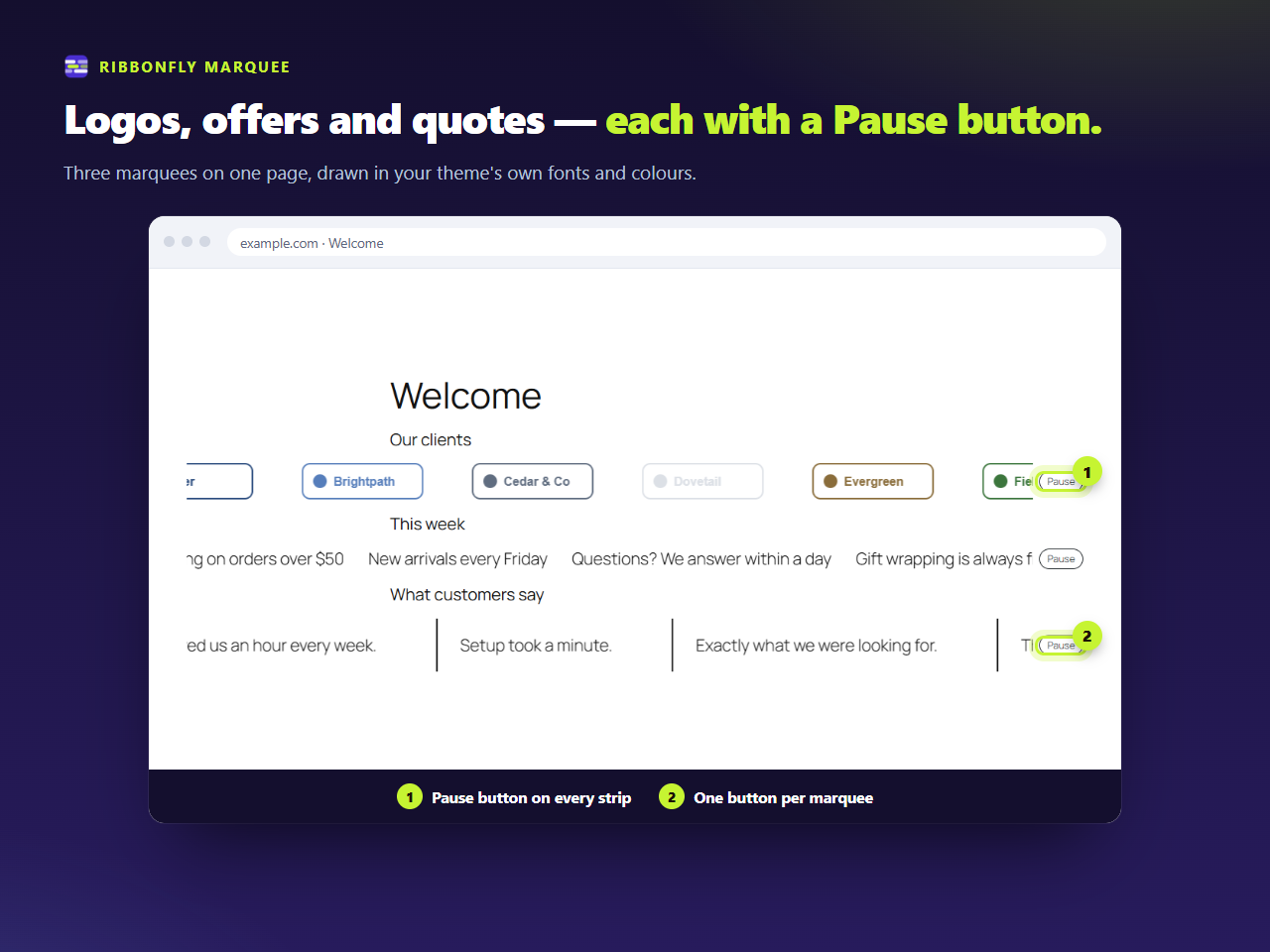
- Every strip has a button next to it, and never on top of the text. It says Pause while the strip moves and Play while it is stopped, and reports its state as pressed or not.
- The setting is Always or On hover and focus. It decides when the button is shown. There is no setting that removes it.
- The strip also stops while hovered by a mouse or while anything inside has keyboard focus.
- The strip is a labelled region, so a screen reader announces what it is. You can change the label.
- The copy that makes the loop is hidden from assistive technology and cannot be focused.
Check your own case
Answer four questions about your strip below. The tool applies the wording of the criterion and says whether a pause control is required, and whether what you have is enough.
Does your marquee need a pause button?
Four questions, answered against the text of WCAG 2.2.2. Nothing you type leaves this page.
One criterion is not conformance
Whether a site conforms to WCAG depends on the whole site: colour contrast, text size, link names and much more. A pause button is one part of that, and this page is not a legal opinion.